Are you working and find it annoying that some things are automatically translated that should not be translated at all? Then you've come to the right place.
Bypass automatic translations
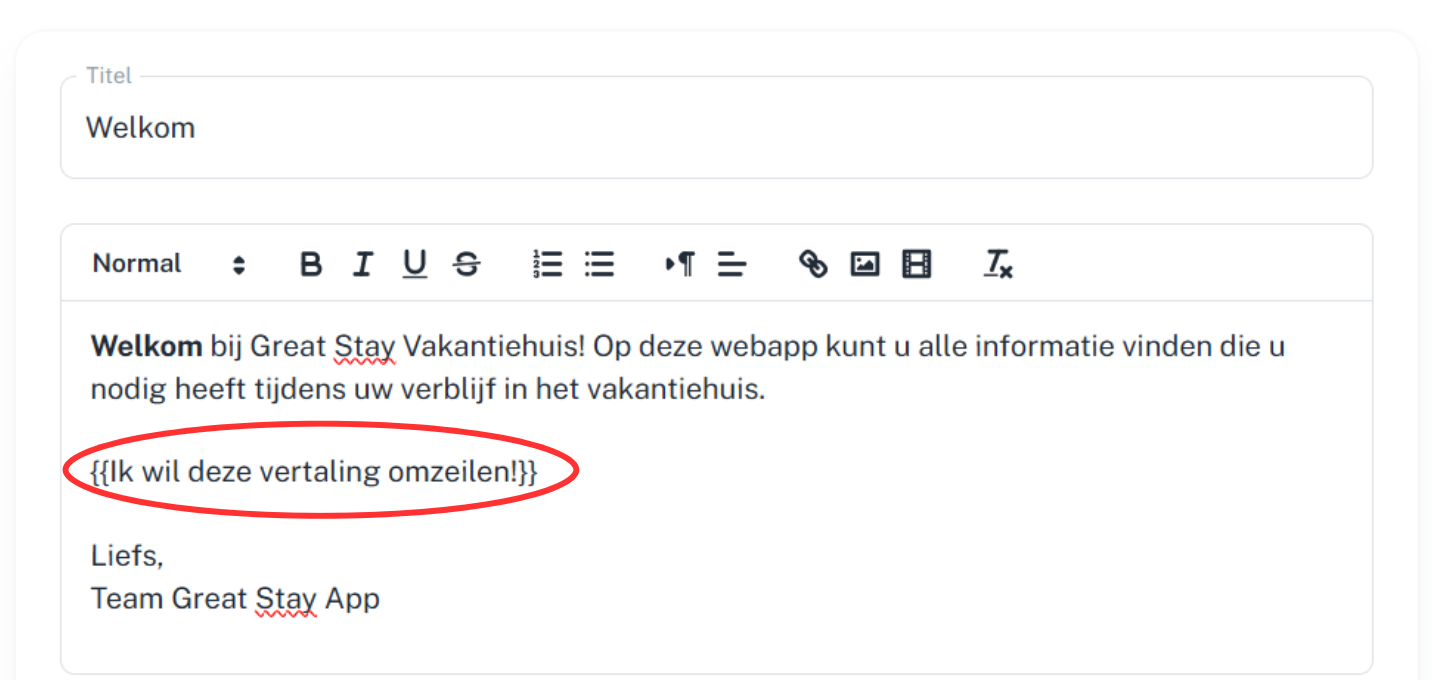
1. Edit your text
2. Place these opening brackets {{ before the text you do not want translated
3. Place these closing brackets }} after the text you do not want translated
4. Press save page
Some things, such as accommodation names, street names, or WiFi passwords, should not be translated in your app or web app. Fortunately, there is a simple trick for this: use these double brackets {{ }}.
Is anything unclear or do you have any other questions/comments? Send us an email at office@greatstayapp.com , fill in our enquiry form or call us on +31 (0)85 40 15 336.
Was this article helpful?
That’s Great!
Thank you for your feedback
Sorry! We couldn't be helpful
Thank you for your feedback
Feedback sent
We appreciate your effort and will try to fix the article