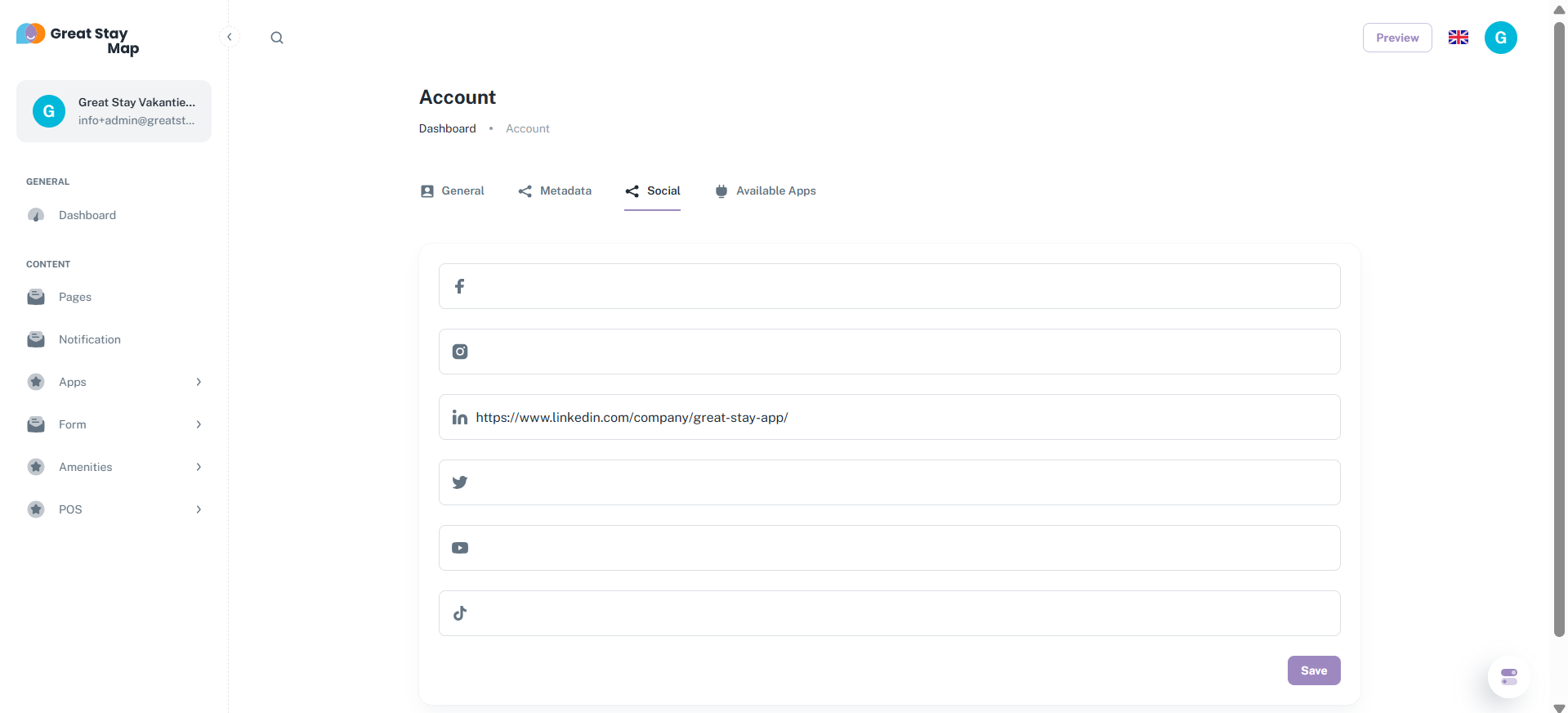
On the Social page, you can add your social media channels.
Note: You must enter the full link, not just the username (see the LinkedIn example below). If you don't, it won't work.
After entering the links, click the purple Save button.
Once you've added and saved your social media channels, they will appear in the bottom right corner of the web app.
Is anything unclear or do you have any other questions/comments? Send us an email at office@greatstayapp.com, fill in our enquiry form or call us on +31 (0)85 40 15 336.
Was this article helpful?
That’s Great!
Thank you for your feedback
Sorry! We couldn't be helpful
Thank you for your feedback
Feedback sent
We appreciate your effort and will try to fix the article