It's helpful to know how to edit your website title and description. These, along with your address, social media, and logo, are located at the bottom of every page. This is useful for a general message, for example.
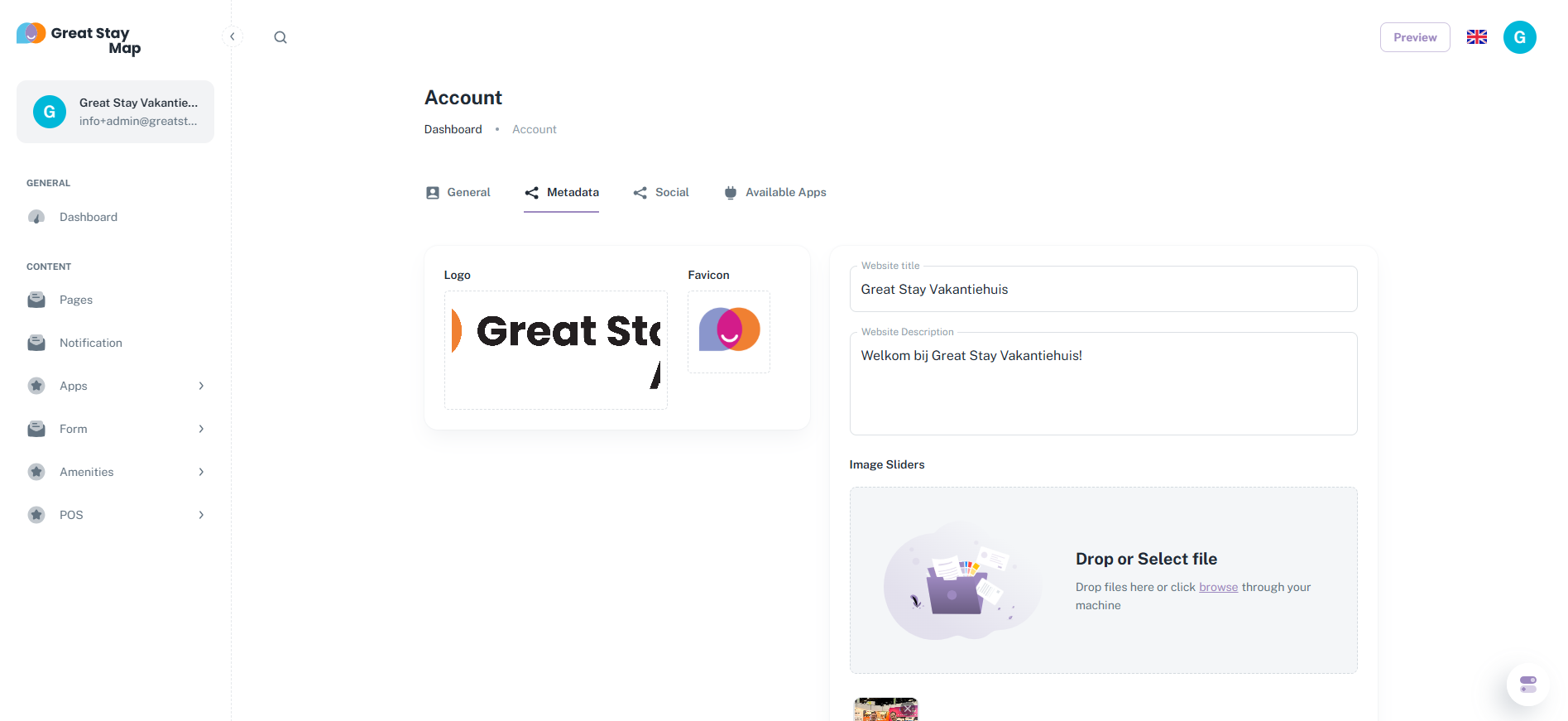
1. Click on the top left corner where your accommodation's name appears, next to which the first letter of the accommodation is written in a large circle.
2. Click on "Metadata" at the top center.
3. Under "Website Title," type the title you want. We recommend using your accommodation's name here.
4. Under "Website Description," type the text you want on every page. This will appear directly below the website title. Note: This will not be translated into other languages. Our tip: add a bold slogan here that summarizes your accommodation!
Is anything unclear or do you have any other questions/comments? Send us an email at office@greatstayapp.com, fill in our enquiry form or call us on +31 (0)85 40 15 336.
Was this article helpful?
That’s Great!
Thank you for your feedback
Sorry! We couldn't be helpful
Thank you for your feedback
Feedback sent
We appreciate your effort and will try to fix the article