Did you know that you can easily change your font?
1. Tap on the top left where the name of your accommodation is displayed, next to which the first letter of the accommodation is displayed in large letters in a circle.
2. Tap on “Metadata” at the top centre.
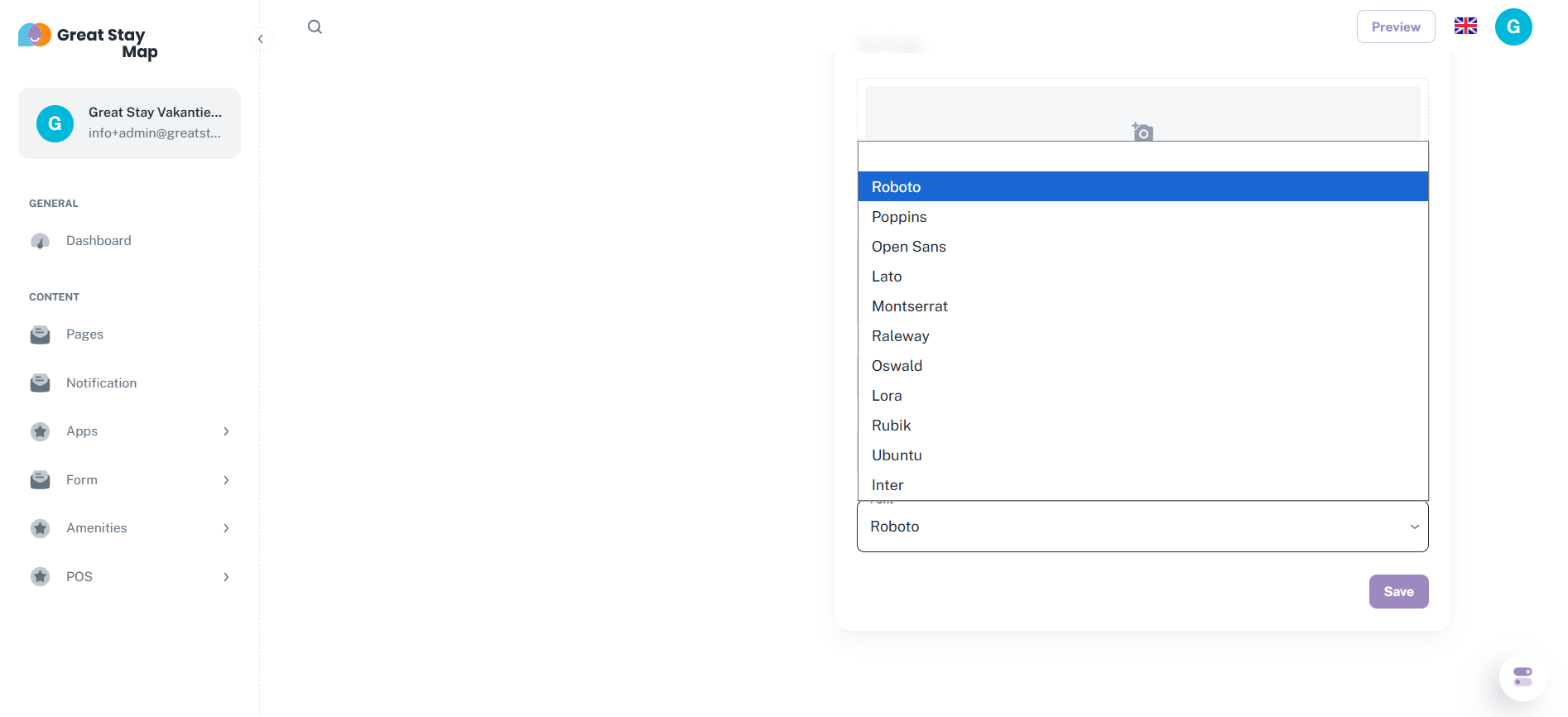
3. Scroll down and tap on the space under “Font”.
4. Select your preferred font.
5. Click on the purple ‘Save’ button.
You cannot use fonts other than those listed, so try out the different fonts and choose the one you like best.
Is anything unclear or do you have any other questions/comments? Send us an email at office@greatstayapp.com, fill in our enquiry form or call us on +31 (0)85 40 15 336.
Was this article helpful?
That’s Great!
Thank you for your feedback
Sorry! We couldn't be helpful
Thank you for your feedback
Feedback sent
We appreciate your effort and will try to fix the article