Logging into the system:
1. Go to admin.greatstaymap.com
2. Check your email for the password we sent you.
3. Enter your username (email) and password on the right-hand side.
Forgotten or lost your password?
4. Click on “Forgotten password”.
5. Enter the email address you used to register with us.
6. You will receive an email explaining how to reset your password.
Our tip: make a note of your password somewhere.
Can't remember which email address you used to register with us?
Send us an email at office@greatstayapp.com, fill in our enquiry form or call us on +31 (0)85 40 15 336.
The URL to log in to the CMS is admin.greatstaymap.com and you will have received your username and password in the email. If you do not have this, please contact us.
Once you have entered the URL, you will be taken to the page below:
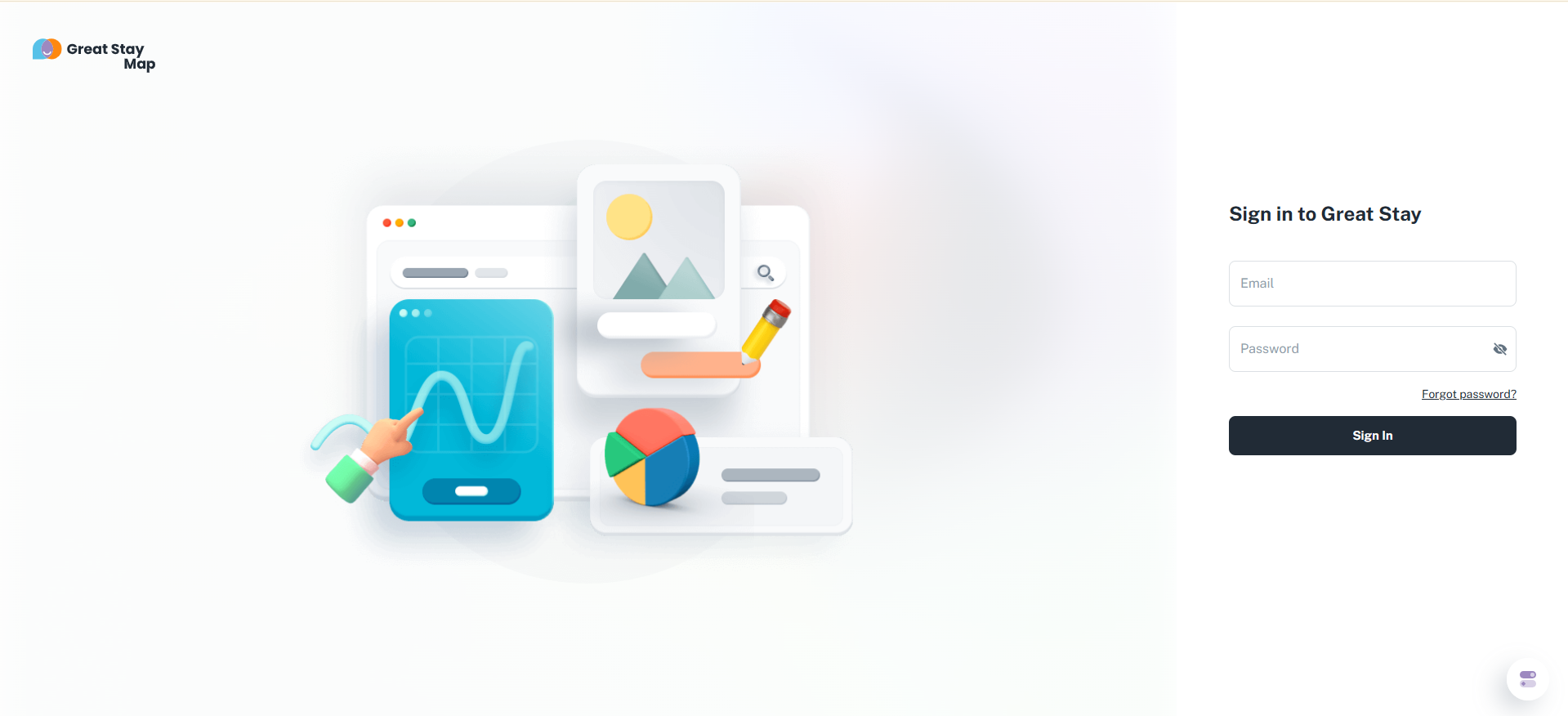
You can enter your username (email) and password on the right-hand side. If these are entered correctly, you will be logged into the CMS.
Is anything unclear or do you have any other questions/comments? Send us an email at office@greatstayapp.com, fill in our enquiry form or call us on +31 (0)85 40 15 336.
Was this article helpful?
That’s Great!
Thank you for your feedback
Sorry! We couldn't be helpful
Thank you for your feedback
Feedback sent
We appreciate your effort and will try to fix the article